
TAME THE MUNCHIES. EARN REWARDS. REPEAT.

Join the Cheba Hut Munchie Mob and earn some Cheba Coin every time you tame the munchies.


Cheba Coin
WHEN YOU JOIN


What's In It For You?
Why joining the Mob is a majorly good life decision.
Earn Free Food
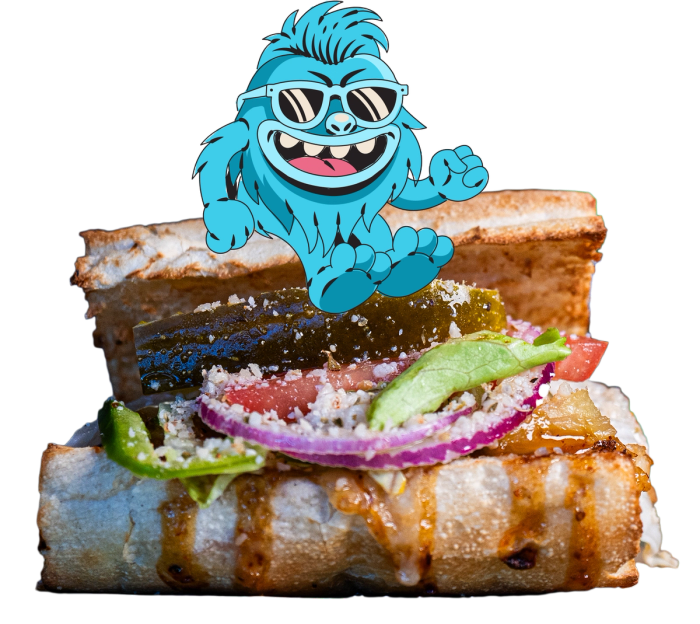
Stack up Cheba Coin on direct orders and turn regular cravings into free subs, salads, cottonmouth cures, munchies and more.

Carousel with 7 slides, one shown at a time. Use the Previous and Next buttons or the slide indicators after the slides to move between them. Slides advance automatically; the Pause button stops them.

Current Rewards


Free Krispy Or Cookie Or Chips & A Drink 1,000
1,000
FIRST DIBS
Be the first to find out about new menu items, what's cookin' in the Secret Stash and a chance to try new stuff for free (or on the Cheba Coin Cheap).
Insider Info
See hookups, special offers, sticker drops, shop parties and events before you head into your next order.
Freebies Just Because
Keep an eye on your account for surprise drops.


Current Promo
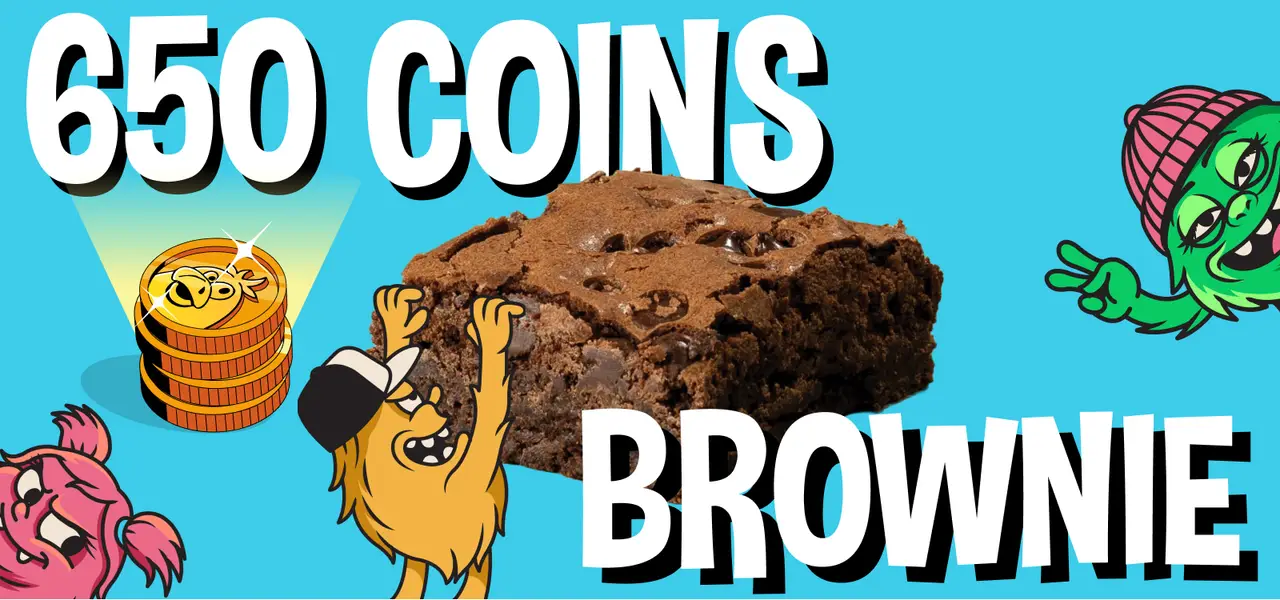
650 Coins Brownie

How to Score Cheba Coin
How to Score Cheba Coin
Join The Mob
Create your rewards account and start with 420 Cheba Coin.
Link Your Cards
Add the cards you use in-shop so eligible visits can track cleanly.
Tame the munchies!
Order direct, then make in-shop visits count through your linked card or a receipt upload in the app.
The Math
Get 10 Cheba coin per $ Eligible direct Cheba Hut orders earn 10 Cheba Coin for every dollar spent.
Roll in the rewards
Watch your balance, unlock rewards and use your coin when the time is right.


How In-Shop Earning Works
To earn in-shop, use a linked card at checkout or upload your receipt in the app if a visit needs to be credited after purchase.





Rewards FAQ
Got questions? Cheba Hut is here to hook you up with answers. Find the flavor of support that feels most right below.
Welcome aboard, Homie! Head on over to our web signup form (opens in new tab) to get rollin' and receive 420 Coin to start building your stash!
Sick of every place having an app? We got you. You don’t have to download ours to get in on Cheba Hut Rewards. Just roll on over to our online ordering platform (opens in new tab). You’ll be able to track your Coin and rewards right there whenever you order. If you’re not linking a card for automatic Coin, just fire your receipts over to support@thanx.com and we’ll hook up your stash with the Coin you deserve.
At Cheba Hut, our program’s points are referred to as Coin. When you sign up for rewards, simply link one or more credit cards to your account; then use a linked card in-shop or online, and you’ll automatically earn 10 Coin for $1 spent. Alternatively, if you pay in cash or do not wish to link your credit cards, just open the Cheba Hut app, tap the menu icon (☰) in the upper left-hand corner, and then select ‘Upload Receipts’ to submit a picture and earn.
Here’s how to check your current Coin balance:
- Open the Cheba Hut app, tap the menu icon (☰) in the upper left-hand corner, and then select ‘Rewards’.
- Visit https://order.thanx.com/chebahut (opens in new tab), and in the upper right-hand corner of the ordering experience, you will see your current number of available Coin (our program’s points).
NOTE: You’ll earn Coin for direct purchases with us in-shop or through the Cheba Hut website/app up to 2 orders per day. Orders placed through third parties are not eligible to earn Coin.
Absolutely! After placing your order, submit your catering receipt in our mobile app using the Upload Receipts functionality from the drop-down menu icon (☰) in the upper left hand corner.
Link your cards at signup or open the Cheba Hut app, tap the menu icon (☰) in the upper left-hand corner, and then select ‘Saved Cards’. You’ll see a button at the bottom of the screen to “Add a new card”. Sit back and enjoy the rewards!
NOTE: automatic earning is not compatible with Discover Cards or any card use for tap payment via an Apple Wallet due to privacy restrictions.
Usually your Coin should pop into your account almost instantly after you buy. Sometimes, it can take up to three business days for the banks to do their thing. If you scheduled an order for a future date, please give it those three business days after your pickup time before hitting up support.
Heck yeah! We want to hook you up. If you just joined our rewards program and linked an AMEX or MasterCard, we’ll automagically drop Coin into your stash for any buys from the last three days.
Forgot to link a card, or your purchase was a little further back? Don’t sweat it. Pop open the Cheba Hut app, hit the menu icon (☰) in the top left, and tap ‘Upload Receipts’ to fire over a pic. Any receipt from the last 21 days is good to go!
NOTE: You’ll earn Coin for direct purchases with us in-shop or through the Cheba Hut website/app. Orders placed through third parties are not eligible to earn Coin.
Easy. In the Cheba Hut app, just tap the menu icon (☰) in the corner and choose ‘Upload Receipts’ to send a picture of your receipt. If you don’t have the app, you can email your receipt photos to support@thanx.com (opens in new tab) and we’ll get those Coin into your stash.
A quick heads-up: You can upload up to two receipts per day through the app, and we can only accept two receipts from the same date for Coin.
Easy peasy. Pop open the Cheba Hut app and hit the menu icon (☰) in the top left. Tap on ‘Rewards,’ then scroll all the way down to the bottom. You’ll see a “See History” button—give that a tap to see the full play-by-play.
Checking where your stash stands is easy. You can see your current Coin balance and available rewards in one of two ways:
- Open the Cheba Hut app, tap the menu icon (☰) in the upper left-hand corner, and then select ‘Rewards’.
- Visit https://order.thanx.com/chebahut (opens in new tab), and in the upper right-hand corner of the ordering experience, you will see your current number of available Coin; click on “All rewards” to see your available rewards.
Once you’ve collected a stash of Coin and are ready to reap the rewards, here’s how to redeem them:
In-Store:
- Open the Cheba Hut app, tap the menu icon (☰) in the upper left-hand corner, and then select ‘Rewards’. Select an available reward and tap the Redeem button; you’ll then see a QR code to scan at the register to redeem your reward.
- Don’t want to use the app or forgot your phone? No problem! Simply provide our crew member at the register with either the phone number or email address you used to sign up for your rewards account. They will be able to see if you’ve got any rewards available in your stash!
Online:
- Visit https://order.thanx.com/chebahut (opens in new tab), and ensure you’ve logged into your Rewards account. Add the items you’d like to order to your cart, including the item you’d like to redeem rewards towards. Click on “All Rewards” in the upper left-hand corner to view your available rewards. In the checkout payment step, select the reward you’d like to redeem to have it removed from your check.
NOTE: Within each transaction, you can make one reward redemption.
We’re hooking you up with more time to enjoy your rewards! Your hard-earned Coin now have a whole year before they expire.
Wanna check if any are about to peace out? In the app, hit the menu icon (☰) and tap ‘Rewards’. If any of your Coin are set to expire in the next three months, we’ll give you a heads-up right on that page.
Sound the sad trumpets. Points are not earned when purchasing gift cards. The recipient will earn points when they use a gift card to make a purchase.

